
With the GoSkills Course Builder, you can add tests to assess learners before they begin a course or before they complete it.
Depending on your course type, you may be able to add a pre-course test, a final test, or both.
Add tests to your course
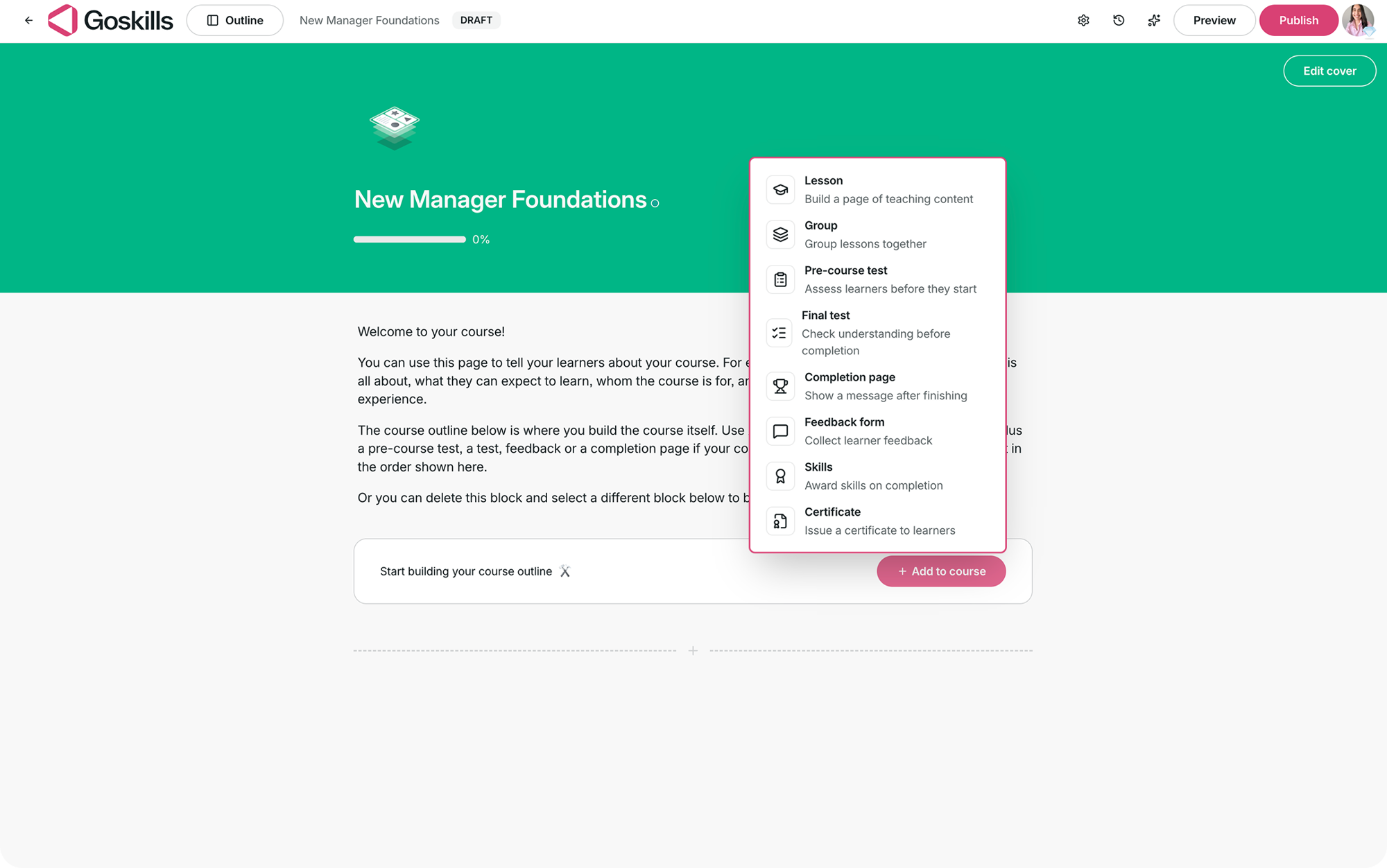
When the test options are available for your course type, select Add to course from the course overview page and choose Pre-course test or Final test.
The tests you add will appear in your course outline, where you can configure and edit them.
Pre-course test
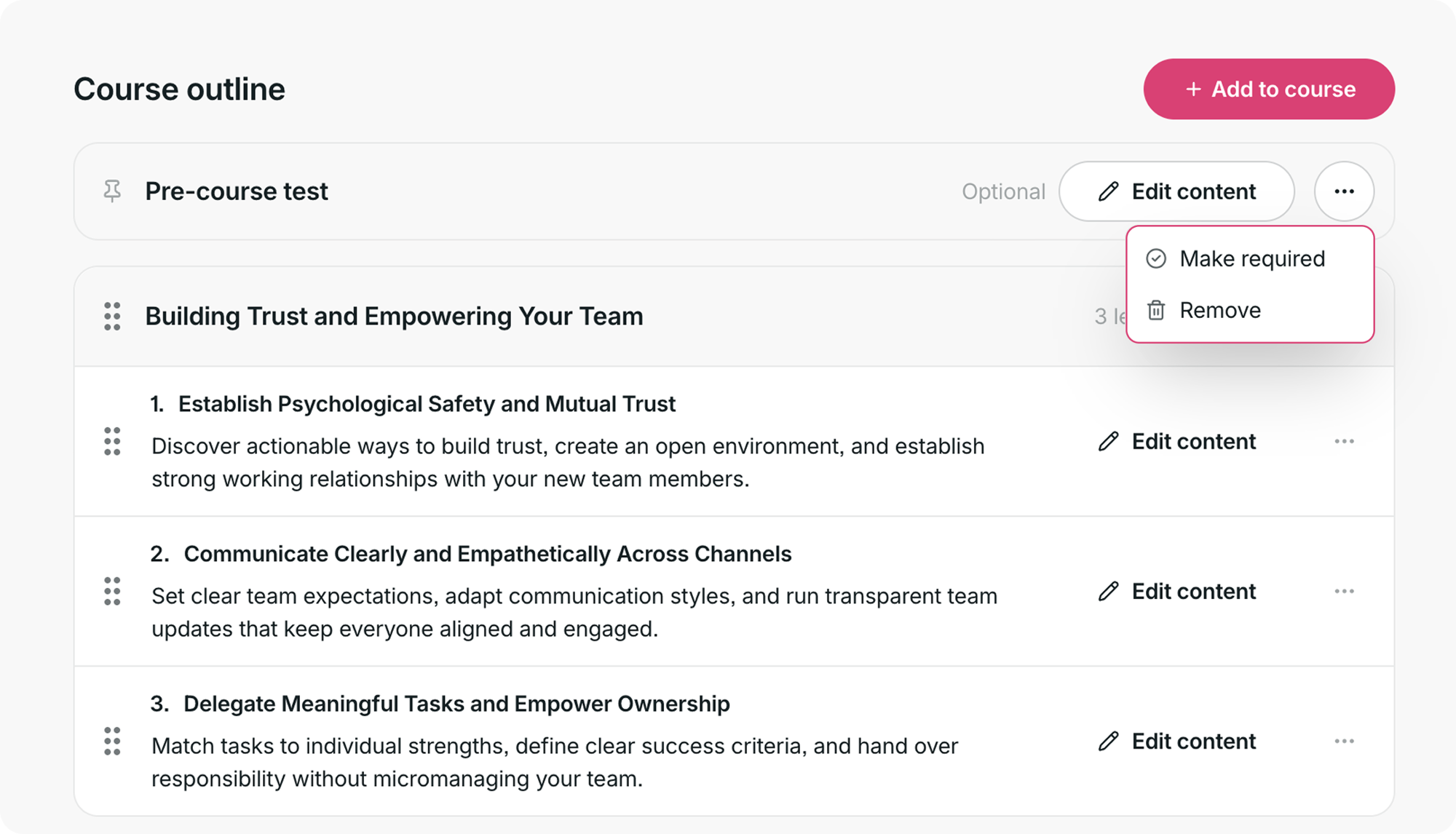
A pre-course test lets you assess learners before they begin the main course content.
The pre-course test draws its questions from quiz and single-question blocks in your lessons. If your course doesn’t contain any yet, Add content will be unavailable until you add one to a lesson.
Once questions are available, select Edit content to build your pre-course test.
You can also use the three-dot menu to make the test required or remove it from the course.
Final test
A final test lets you check learners’ understanding before they complete the course.
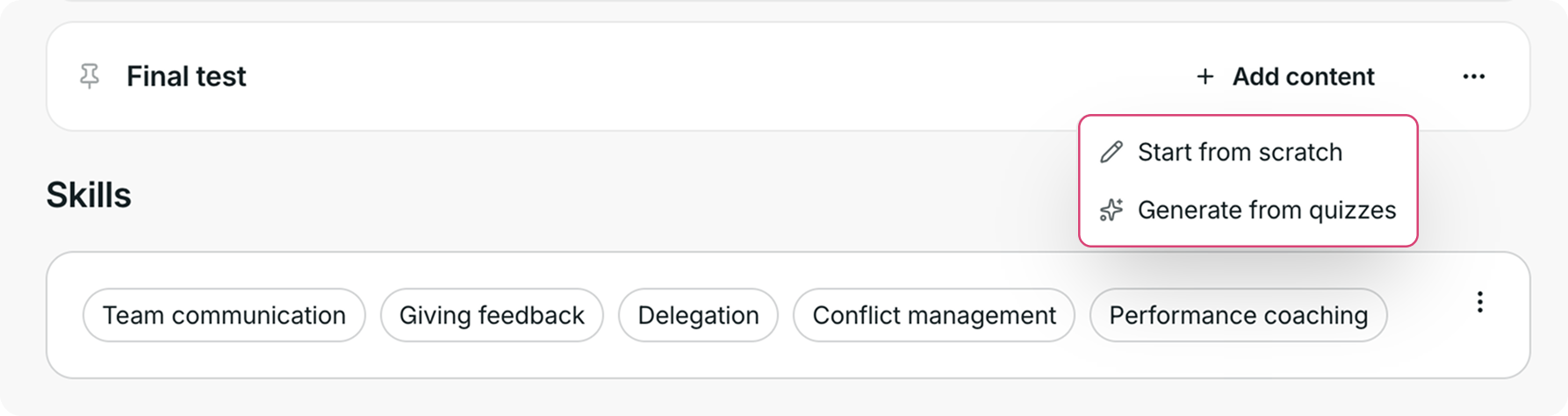
Select Add content to build your final test. You can:
- Start from scratch to create the test yourself.
- Generate from quizzes to build the test using quiz content from your course.
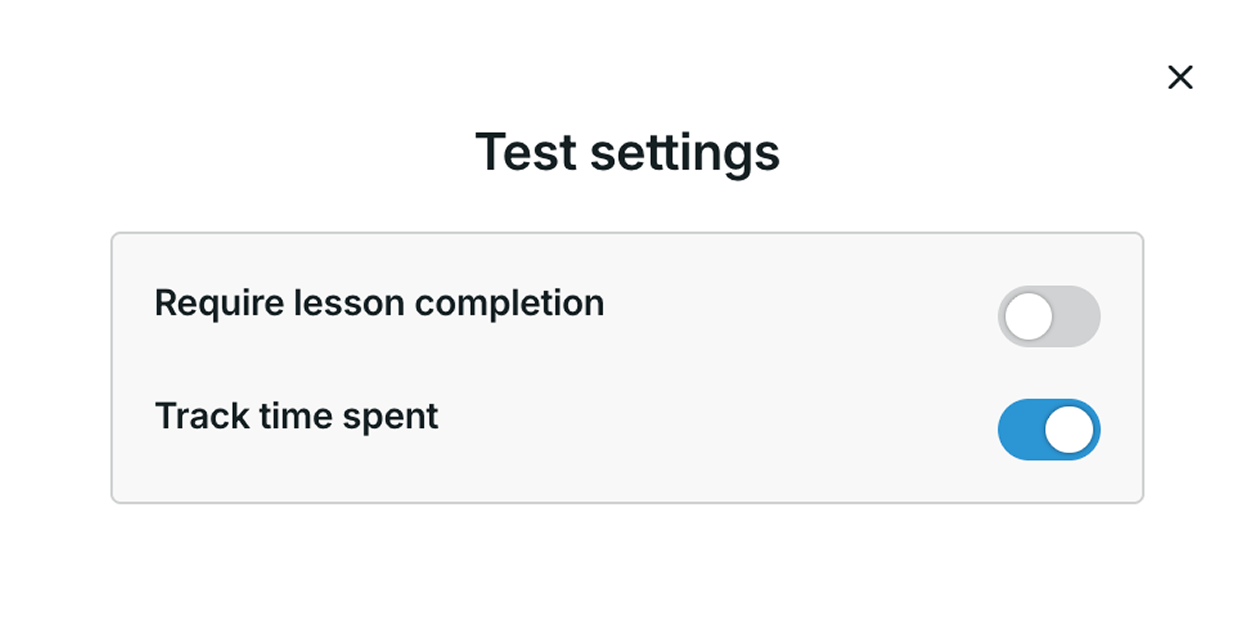
Use the three-dot menu to access Test settings, make the test optional, or remove it from the course.
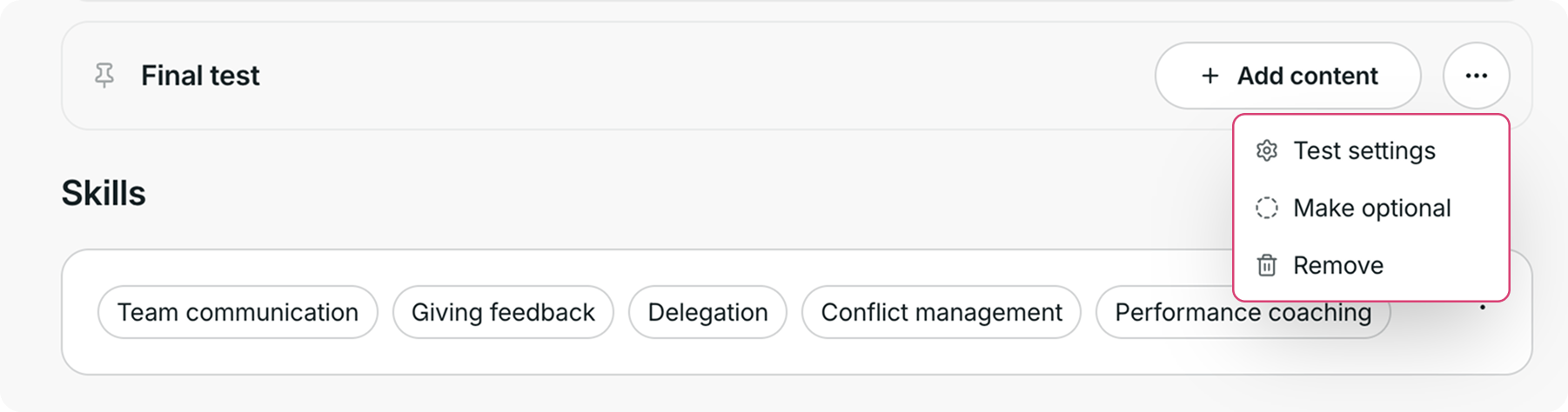
When you select Test settings, you can toggle the following options on or off:
- Require lesson completion
- Track time spent
Need more help?
Have questions about adding tests to your course in GoSkills? Reach out to us at support@goskills.com. We’re happy to help!