
If your organization is currently billed yearly, we recommend keeping your annual plan until the end of your current subscription term, then switching to monthly billing.
If you’d still like to switch before then, our sales team can help you with the change.
Request a switch to monthly billing
- From your admin dashboard, select Billing.
- Select Change plan.
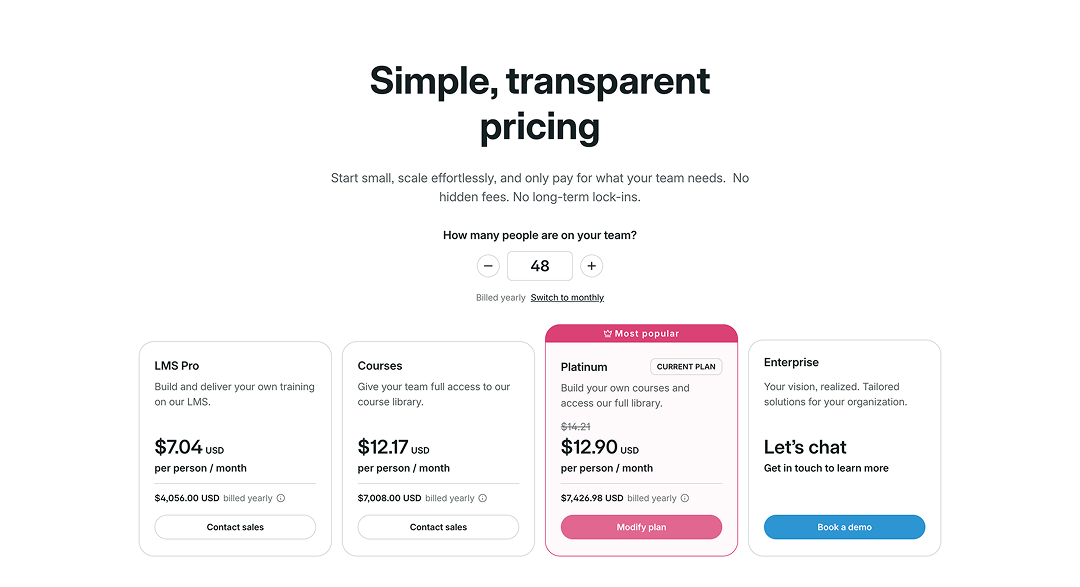
- On the pricing page, select Switch to monthly.
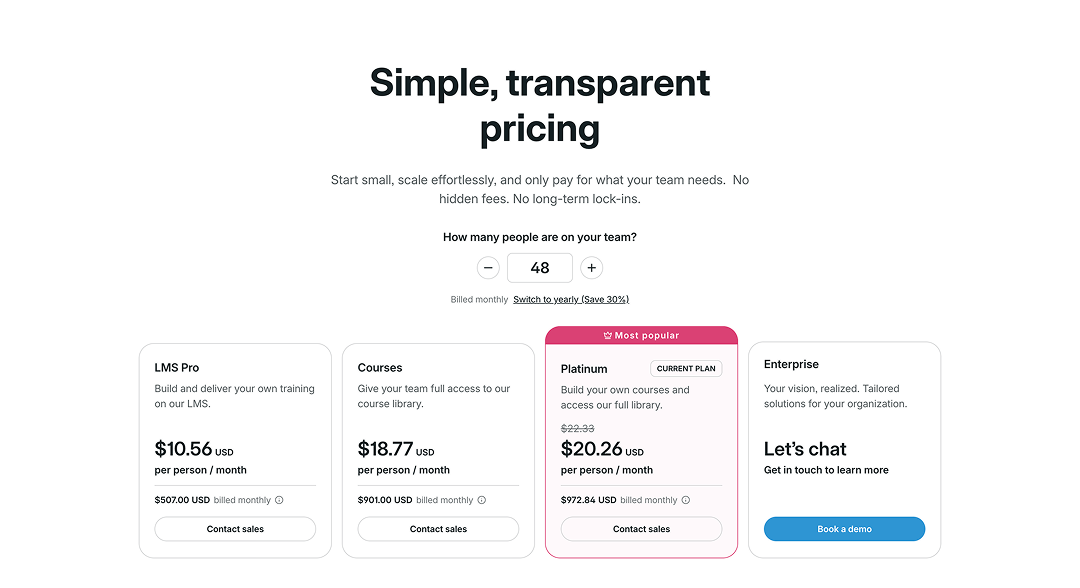
The page will update to show monthly pricing for your current number of licenses. Because you already have an active plan, you’ll see Contact sales instead of an option to make the change yourself.
- Select Contact sales.
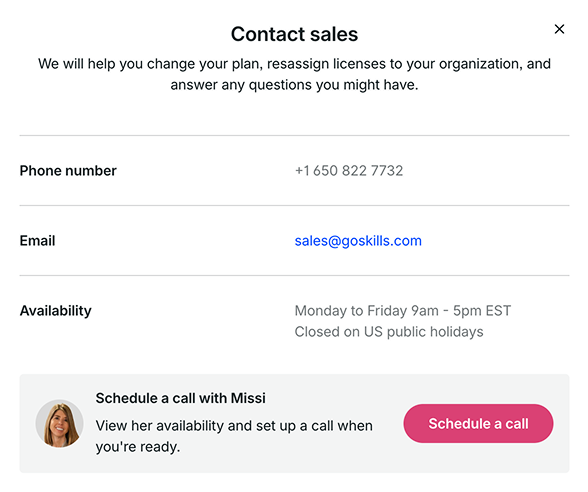
From here, you can contact our sales team by phone or email, or schedule a call to discuss switching your billing plan.