
At GoSkills, we’re all about transparency and flexibility. Whenever you want to review your plan details or make changes, you can find everything you need in the Billing section of your admin dashboard.
View your billing information
From your admin dashboard, select Billing under Manage.
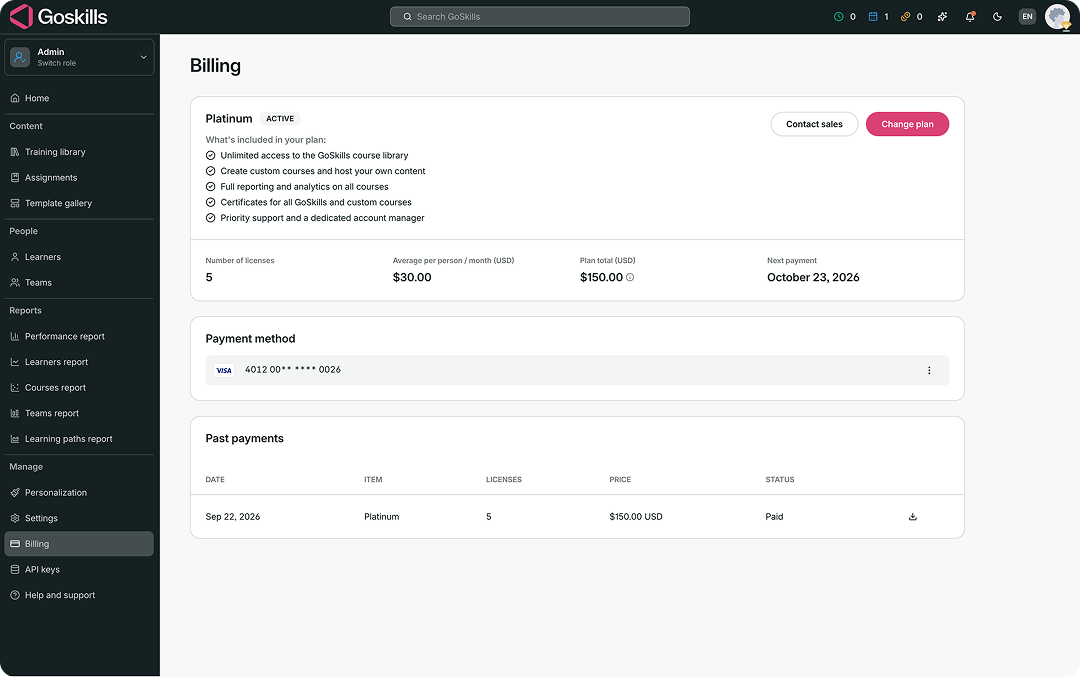
Here, you can review:
- Your current plan and status
- What’s included in your plan
- Number of licenses
- Average price per person per month
- Plan total
- Next payment date
- Payment method
- Past payments
You can also select Change plan to update your number of licenses. See managing your licenses for step-by-step instructions.
Want to learn more about the plans available? See Team plans for an overview of your options.
If you have any questions about your billing information, contact us at support@goskills.com and we’ll be happy to help.