
As an administrator, you can customize how your organization’s branding appears in light and dark themes.
Upload theme-specific logos
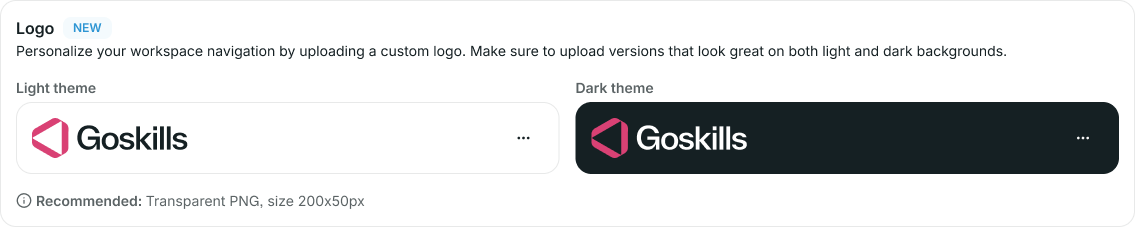
To ensure your organization’s logo looks great in both themes, you can upload separate logos for the light and dark themes.
Go to Personalization to:
- Upload a logo for the light theme
- Upload a logo for the dark theme
The appropriate logo will automatically be displayed based on the active theme.
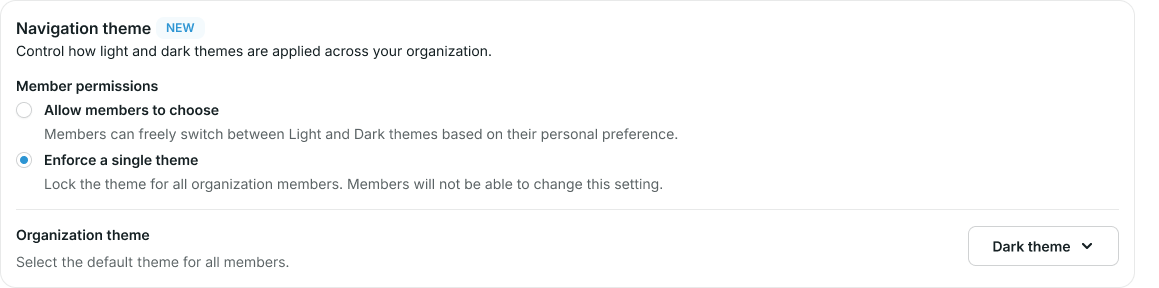
Administrators can control how navigation themes are applied across their organization.
Available options include:
- Allow members to choose
- Enforce a single theme
Allow members to choose
Members can switch freely between light, dark, and system themes.
Enforce a single theme
Lock a theme for all members of your organization. Members will not be able to change this setting.
Need more help?
If you have any questions about theme settings or customization, please contact our support team at support@goskills.com.