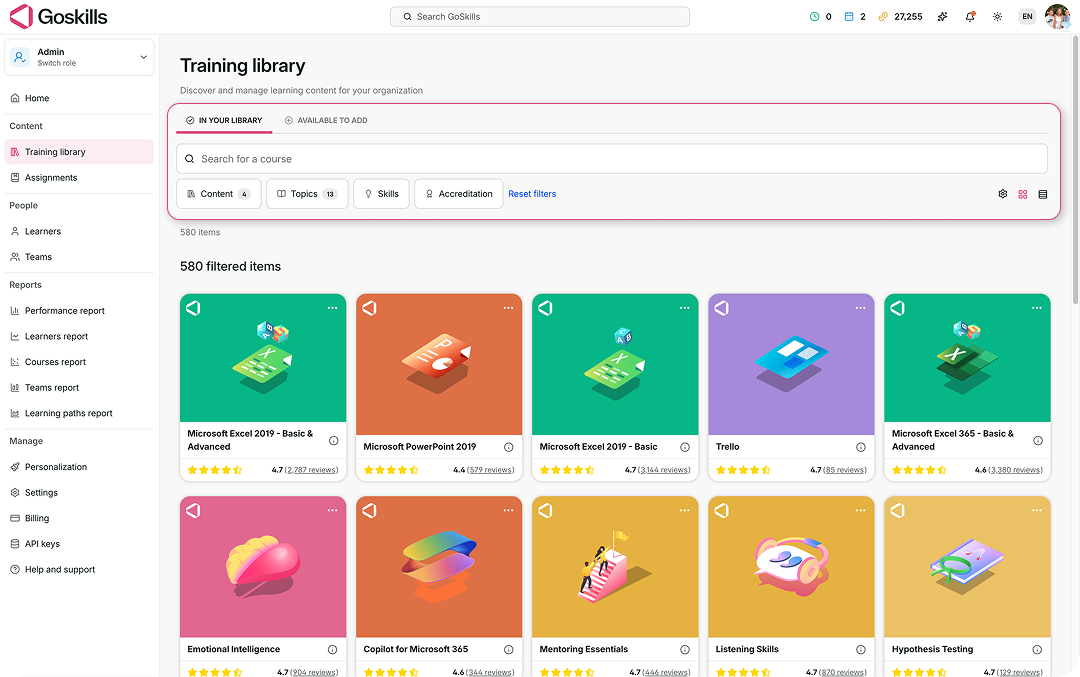
You can browse courses available to add to your organization directly from your Training library.
- From your admin dashboard, select Training library.
- Select the Available to add tab.
- Browse the available courses and choose the ones you’d like to add to your training library.
The In your library tab shows courses that are already part of your organization’s training library, while Available to add lets you browse courses that you can add.