For most organizations, getting started with GoSkills takes around 15 minutes.
A typical setup includes:
- Purchasing your licenses
- Setting up teams
- Inviting learners
- Assigning courses
- Reviewing a few key settings to make sure everything is set up correctly
More advanced setups, such as SCIM or API integrations, may take longer.
Start with a free account
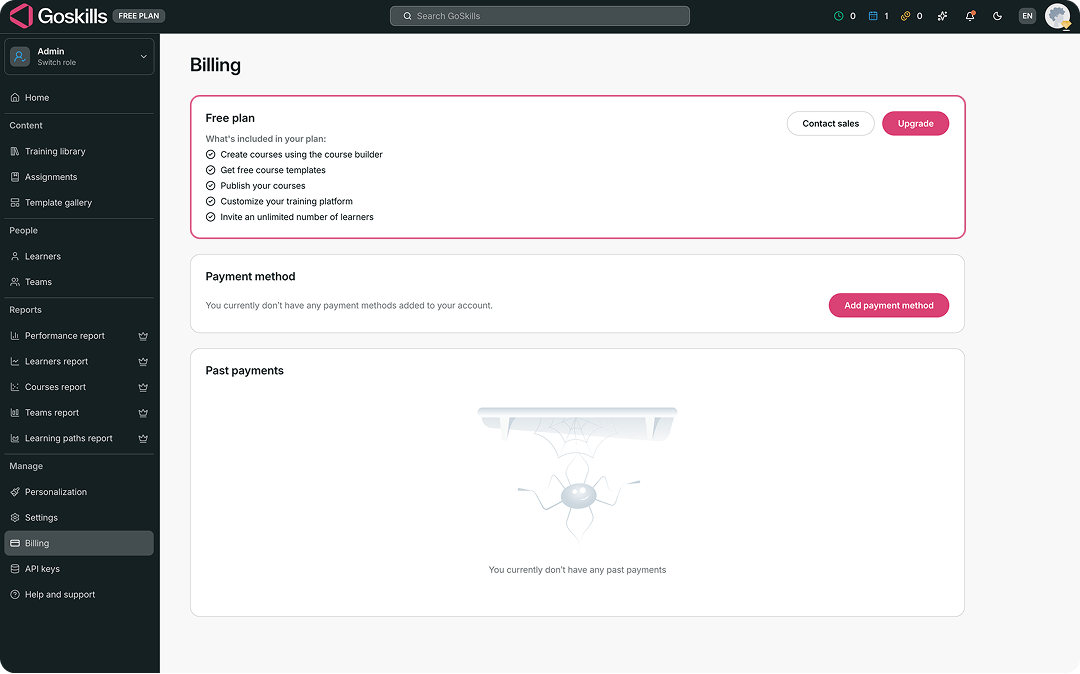
Not ready to purchase a plan yet? You can start with a free GoSkills organization account and explore the platform before upgrading.
With the free plan, you can create and publish your own courses, explore course templates, customize your training platform, and invite learners.
When you’re ready for additional features, simply go to Billing from your Admin dashboard and select Upgrade.
Need help getting started?
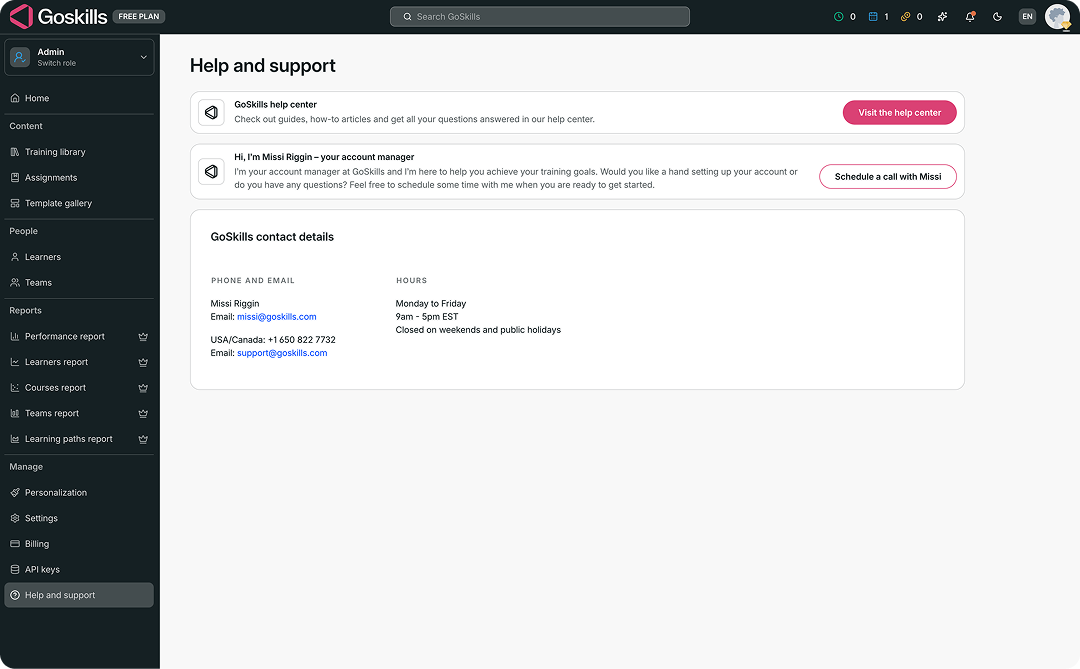
You can also schedule a call with the GoSkills team to get help setting up your training.
From your Admin dashboard, go to Help and support. From there, you can schedule a call with your account manager and get help with your setup or any questions you have along the way.